For your child's first phone, or your own.Smartphone
when you
need it… …brick phone
when you don't.
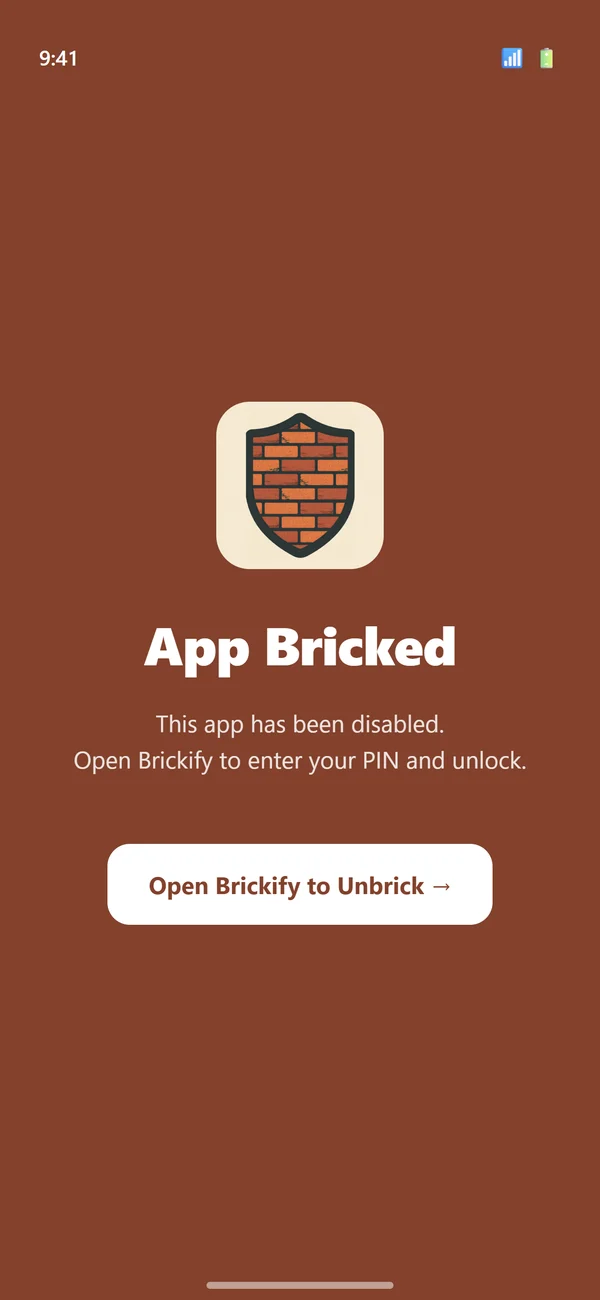


Brickify sits in between a brick phone and a smartphone
Every child climbs the phone ladder at their own pace. Brickify is the step that's been missing.
- 4Smartphoneeverything, all the time
- 3Brickifysmartphone when you need it, brick phone when you don't

- 2Brick phonecalls and texts only
- 1Watchcalls home and location
- Wait until they're ready
 "My sons' school went smartphone-free, there was an old phone in a drawer, and they were ready for something. So I built Brickify."
Anne Mundy, founder, engineer and mum · Why I built Brickify →
"My sons' school went smartphone-free, there was an old phone in a drawer, and they were ready for something. So I built Brickify."
Anne Mundy, founder, engineer and mum · Why I built Brickify →
If you've signed the Pact and can wait until 14, wait. That's a good choice. Brickify is for families who've decided a phone is needed now.
The school day is covered. The rest is up to us.
School rules stop at the gate. A phone needs different rules at different times, depending on your family. If you have to change them by hand, it won't last. Brickify switches between them by itself.
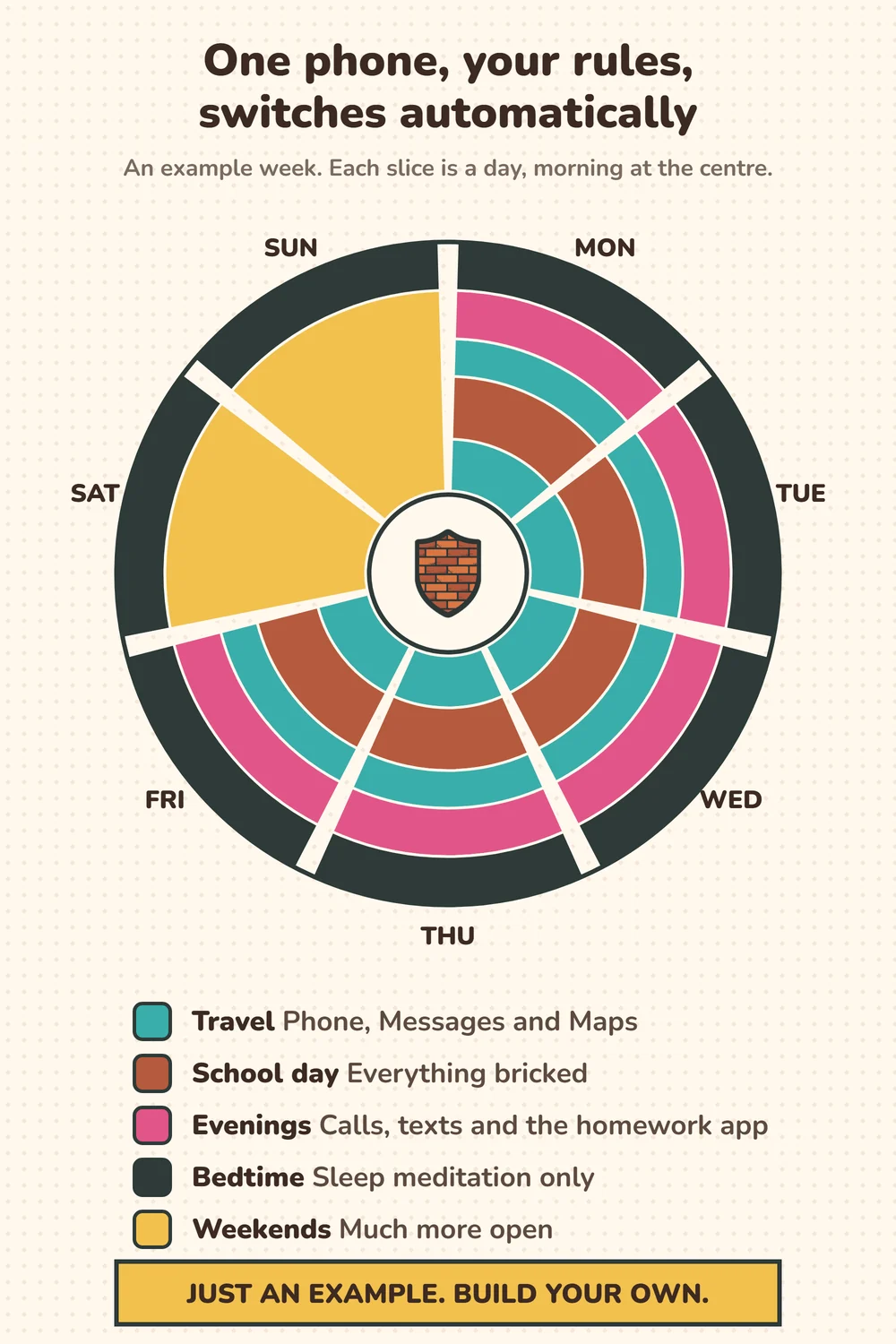
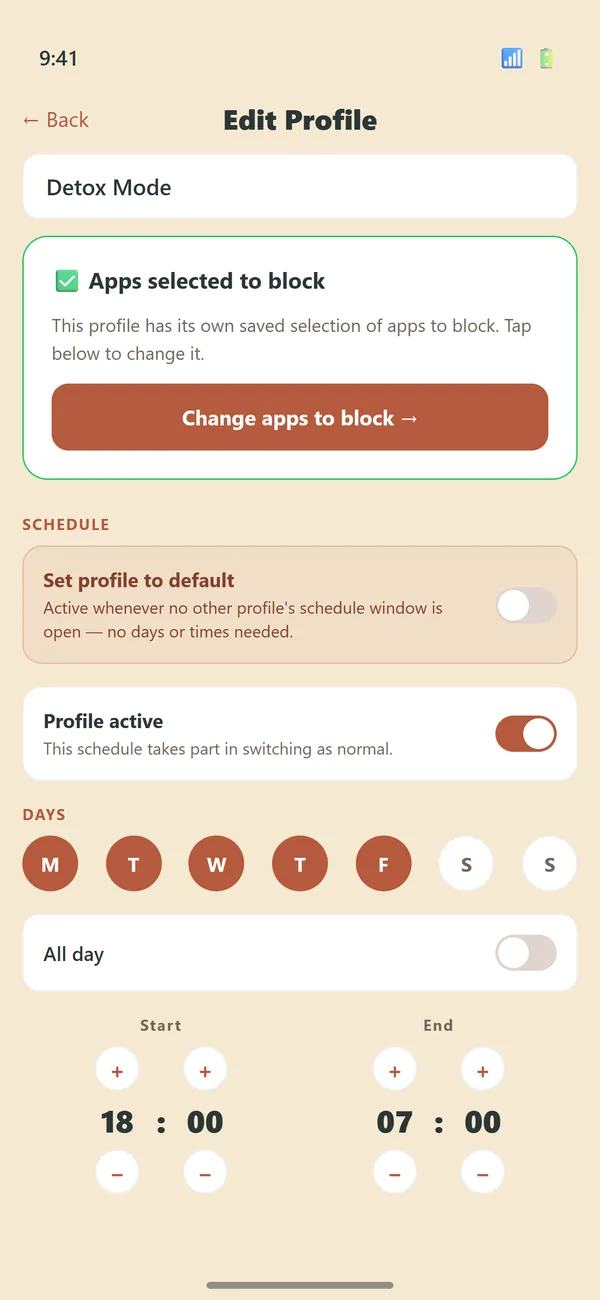
Set it once. No 9pm arguments.
Build the schedule once, when you're calm. After that the phone switches itself, and opening it early takes your PIN and a second factor.
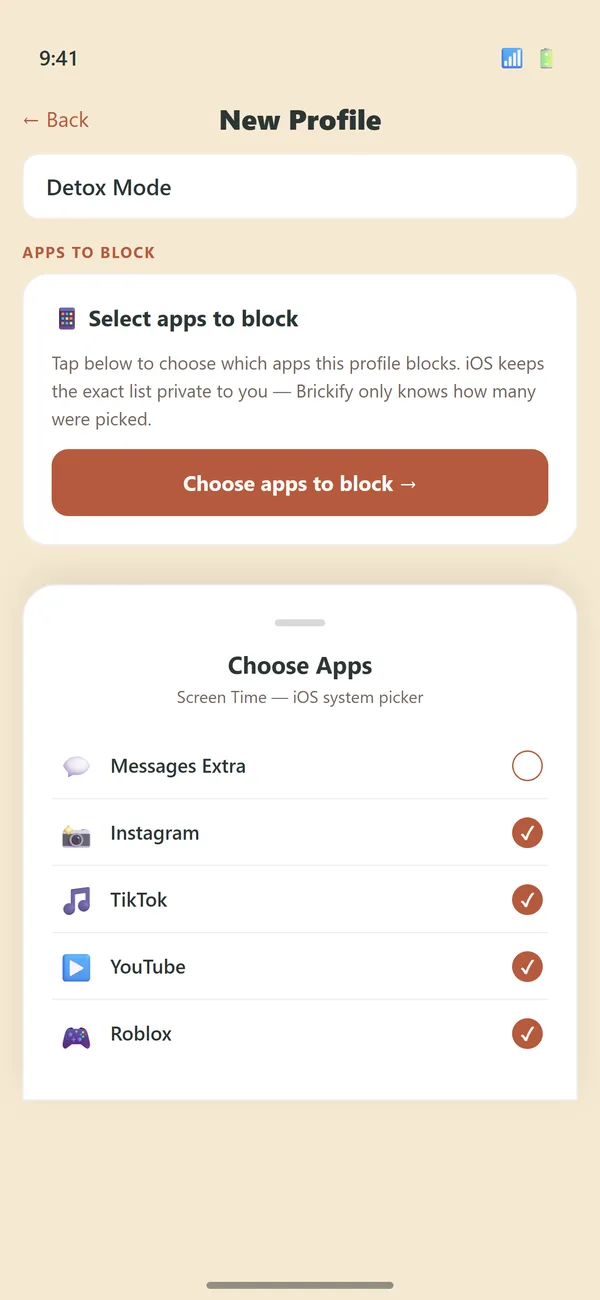
You choose the apps
Maps for the walk home, calls only at bedtime. Open more as trust grows.
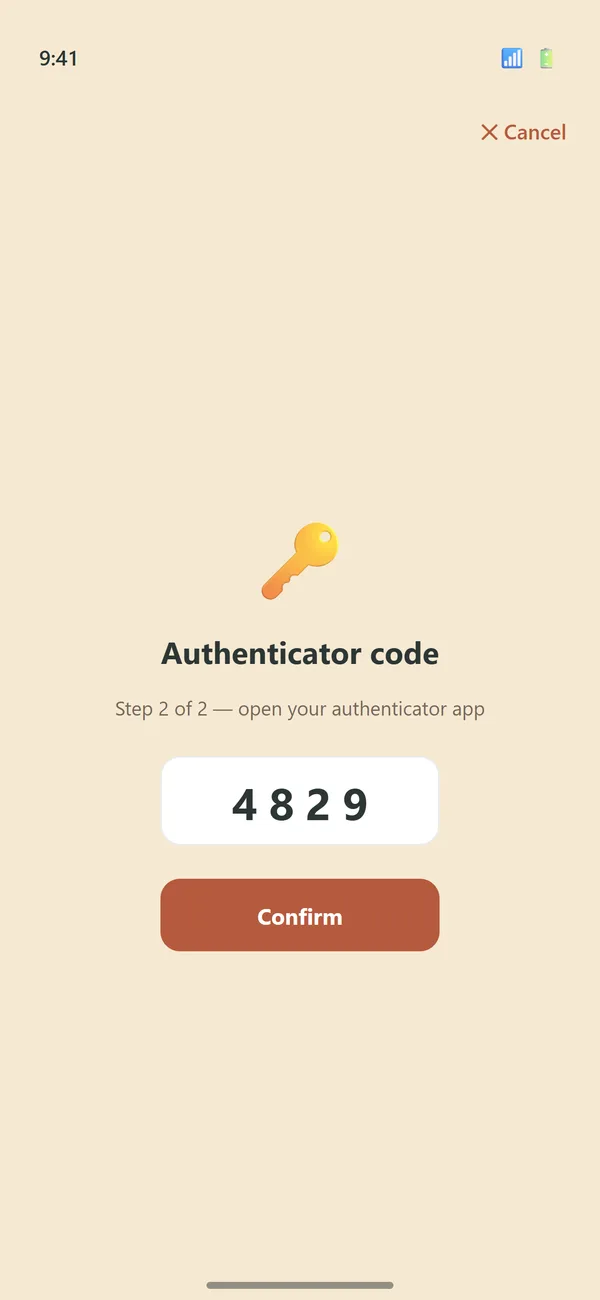
You hold the keys
A PIN plus a second factor, with recovery codes.
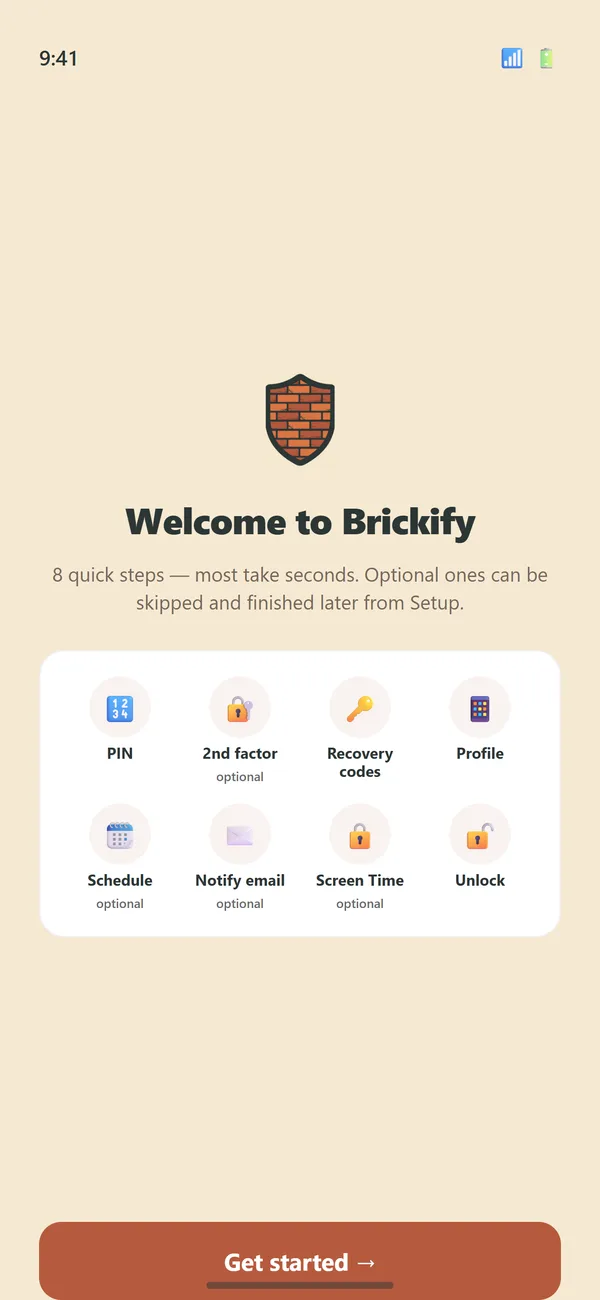
Guided setup
Step by step, start to finish.
Not a monitoring app. Brickify doesn't read messages, browsing history or location. It blocks apps on a schedule you set. What it does, and doesn't →
Not a brick phone, Screenable or Canopy either. Compare: Brick phone · Screenable · Canopy
Ready to Brickify it?
$4.99 / £4.99 once. No subscription. iPhone & Android.
Less than half the price of a basic phone, and no new device. The phone in your drawer is the hardware.
Free to download and set up. Pay once and blocking is switched on for good: every profile and every schedule, on every phone that uses the same App Store or Google Play account.
Bought through the App Store or Google Play, so refunds are handled by the store, right from your receipt.
Works on iPhone 8 / X or newer (iOS 16+) and Android 8+ · Check your phone